


Custom CRM & Portal Development That Actually Fits Your Business
Your receptionist is copying data from an email into a spreadsheet. Your client just called to ask about an invoice you already sent. And somewhere in your CRM, there's a lead from two weeks ago that nobody followed up on.
Sound familiar?
That's not a people problem. That's a system problem. And no amount of training will fix software that was never built for how your business runs.
We build custom CRM systems and client portals for Canadian businesses. Not out of a box. From scratch - based on how your team actually works, what your clients actually need, and what keeps falling through the cracks right now.
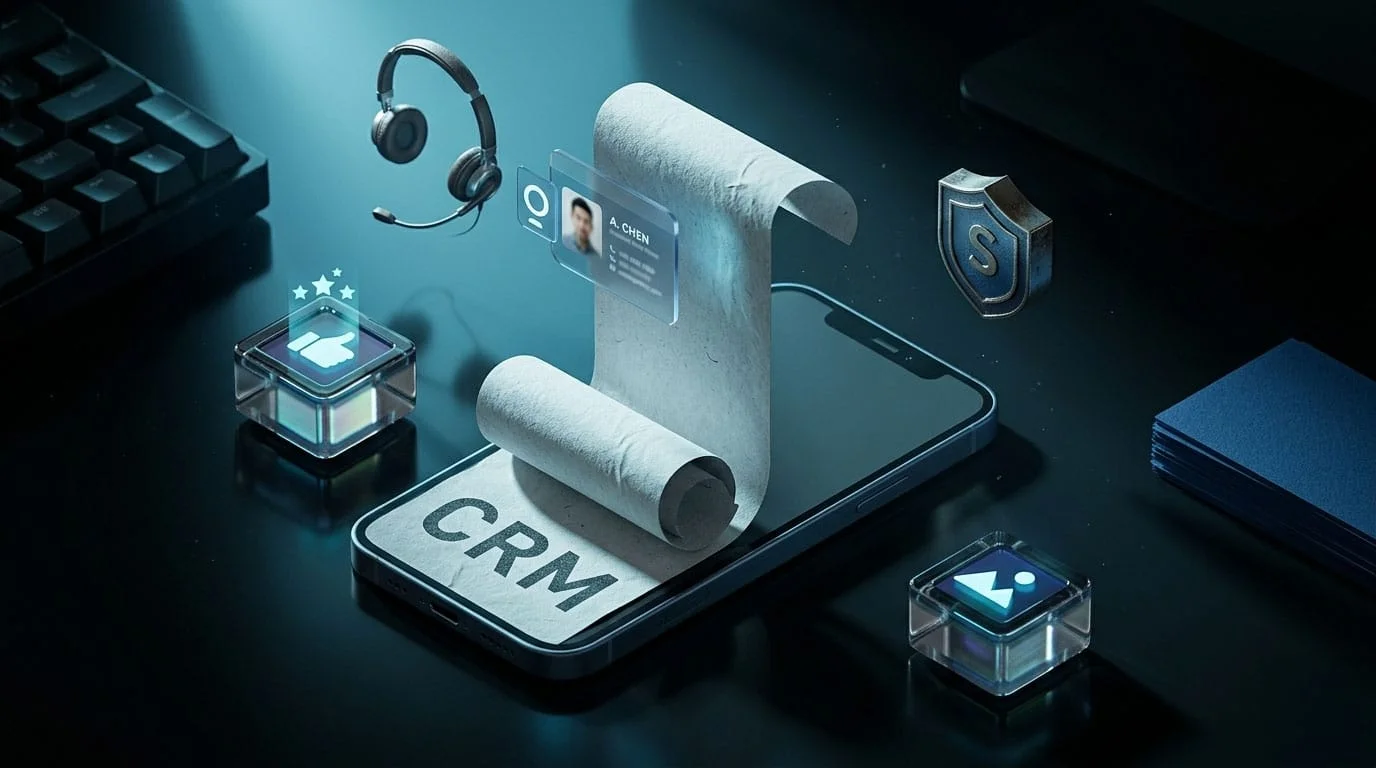

The Real Problem With Off-the-Shelf CRMs
Nobody wakes up and says, "I want to buy a CRM today."
What they say is:
"I lost a client because we forgot to follow up."
"My front desk spends half the day on the phone answering questions clients could look up themselves."
"We're paying $300/month for software and only using three features."
Then they Google "best CRM for small business," pick something with a free trial, and spend six weeks trying to make it work. It never quite does.
Here's why.
Salesforce was built for enterprise sales teams. Zoho was built to be everything for everyone. HubSpot was built for inbound marketers. None of them were built for a dental clinic in Mississauga that needs to track patient recalls, automate intake forms, and let hygienists check tomorrow's schedule from their phone.
None of them were built for a real estate brokerage that needs to assign leads by neighbourhood, trigger follow-up sequences by listing type, and give agents a portal that doesn't look like it's from 2009.
The tool isn't broken. It just wasn't built for you.
What Included
What a Custom CRM Actually Looks Like
Forget feature lists for a second.
A custom CRM means your system does what your business needs - and nothing else. No bloated menus. No features you'll never touch. No workarounds held together with Zapier and duct tape.

//
01
Law Firm
For a law firm, that might mean a case tracker with retainer billing, a secure client portal for document sharing, and automated reminders when a filing deadline is coming.

//
02
Dental Clinic
For a dental clinic, it might mean patient records tied to appointment history, automated recall reminders, and an intake form that feeds straight into the system - no retyping.

//
03
Retail Brand
For a retail brand, it might mean customer purchase history, loyalty tracking, and a dashboard that shows you which products are driving repeat buyers.
//
04
Real Estate
For a real estate team, it could mean a lead pipeline sorted by source, automated drip emails by listing type, and a client portal where buyers can view saved properties.

//
05
Healthcare
For a healthcare provider, it might mean a patient-facing portal with secure messaging, file uploads, and appointment scheduling - all with role-based access.
Every one of these is a real project shape. We've scoped them. We know what works.
• Instead of Buying
Why Businesses Come to Us Instead of Buying Another Subscription
Three reasons. Always the same three.
1
One: they tried the off-the-shelf route and it failed.
The team didn't adopt it. The data is a mess. The $200/month subscription turned into a $200/month guilt payment.
2
Two: they've outgrown basic tools.

Google Sheets and email worked when there were 20 clients. At 200, it's chaos. They need structure - but not enterprise-level complexity.
3
Three: they want a client-facing portal - and nothing on the market fits.

They want clients to log in, check status, upload documents, or book time. The options are either too expensive, too ugly, or too rigid.
If any of those sound like your situation, keep reading.
Our Process
How We Build It
Discovery
We sit with your team and map how work actually flows. Not how it's supposed to flow. How it actually flows.
Expert UX Strategy
We design the user experience for both your team and your clients. Two audiences, two sets of needs.
Hand-Crafted UI Design
Clean screens. Fast load times. Nothing confusing. Your receptionist should be able to use it on day one without a manual.
Custom Development
We write the code. No templates, no drag-and-drop builders. Built on solid architecture so it scales with you.
Hands-On Training
We train your team live. Not a PDF. Not a video link. A real session where they use the system and ask questions.
Support & Maintenance
We stay on after launch. Bugs, updates, new features - we handle it.



We follow the same seven steps on every CRM and portal project. No shortcuts.
Proof: The Dazzle House Build
The Dazzle House is a salon and spa that came to us with a familiar problem. They had outgrown their setup. Bookings were manual. Their service menu was scattered across social posts. New clients had no clear way to find, compare, and book services.
We built a custom WordPress platform with integrated booking, a full service showcase organized by category, and a mobile-first design - because 80%+ of their audience browses on their phone. We also built their entire brand identity and social media design system so everything looked and felt consistent.
The result? A digital system that works as hard as their team does. New clients find them, explore services, and book - without ever picking up the phone.
It's the same principle behind every CRM and portal we build. Start with how the business runs. Build the system around that. Not the other way around.

The Bottom Line
You don't need a bigger CRM. You don't need more features. You need a system that was built for your business - your clients, your team, your workflows.
We build those systems. We've done it for salons, and we do it for law firms, clinics, retail brands, and real estate teams across Canada.
Start with your biggest pain point. We'll build from there.
Google Partner · SEMrush Agency Partner · 5.0★ Google Reviews · Canadian-Owned
Comprehensive Web Solutions for Every Goal
Comprehensive Web Solutions for Every Goal
iOS
Our iOS app development services build high-performance, secure, and user-friendly applications for Apple devices, ensuring smooth functionality, modern design, and seamless user experiences that align with Apple’s ecosystem standards.
Android App

Our Android app development services create scalable and feature-rich mobile applications tailored for Android users, delivering strong performance, intuitive interfaces, and compatibility across multiple devices and screen sizes.
Flutter
Our Flutter cross-platform app development services build fast, cost-effective applications for iOS and Android using a single codebase, ensuring consistent performance, native-like experience, and faster time-to-market.
Progressive Web App

Our Progressive Web App solutions combine the best of web and mobile apps, delivering fast, reliable, and installable experiences that work seamlessly across devices without requiring app store downloads.
Custom Web Applications
Our custom web application development services deliver tailored, scalable, and secure digital solutions designed to meet unique business requirements, improve efficiency, and support long-term growth.
App Maintenance & Support

Our app maintenance and support services ensure your applications remain secure, updated, and fully optimized, providing ongoing improvements, bug fixes, and performance enhancements for long-term reliability.
App Development
We design and develop custom mobile and web applications tailored to your business needs. Our apps are built for performance, scalability, and seamless user experiences across all platforms.
FAQ
Answered questions. Everything you might want to know—up front.
1. What's the difference between a custom CRM and something like Salesforce?
+
—
Salesforce is a general-purpose platform built for millions of businesses. A custom CRM is built for one - yours. You get exactly the fields, pipelines, and reports you need. Nothing extra. Nothing missing.
2. How much does this cost?
+
—
Straight answer: it depends on scope. A basic client portal can start in the low thousands. A full CRM with integrations and dashboards runs higher. We scope every project before quoting so there are no surprises. We also build in phases - so you can start small and add later.
3. We already have a CRM. Can you fix it instead of building from scratch?
+
—
Sometimes. If your current system is close but needs better integrations, custom reports, or a client-facing portal on top - we can build around it. We'll tell you honestly whether it makes more sense to fix or replace.
4. How long until we can use it?
+
—
Most projects launch in 6 to 12 weeks. A simple portal is faster. A CRM with multiple integrations takes longer. You'll know the timeline before we start writing a single line of code.
5. My team hates learning new software. Will they actually use this?
+
—
That's the whole point of building custom. We design around how your team already works. The learning curve is minimal because the system matches their habits - not the other way around. Plus, we train them live before launch.
6. Can clients log in and check their own stuff?
+
—
Yes. That's what a client portal does. Your clients can check status, view documents, upload files, book appointments, or pay invoices - depending on what you need. It cuts phone calls and emails dramatically.
7. Is this secure enough for legal or healthcare data?
+
—
We build with role-based access control, encrypted data storage, and secure authentication. Your clients see only what they should. Your staff access only what they need. We design with privacy and compliance in mind from day one.
8. Can you connect it to our email, website, or ad platforms?
+
—
Yes. We integrate with your existing tools - email platforms, accounting software, ad accounts, booking systems, and more. If it has an API, we can connect it.
9. What if we only need a portal right now, not a full CRM?
+
—
That's fine. Start with the portal. Add CRM features later when you're ready. We build modular systems on purpose so you're never locked into a massive project upfront.
10. What happens after launch?
+
—
Are we on our own? No. We offer ongoing support and maintenance. Bug fixes, updates, new features - we handle it. We don't build and disappear.
Our Blog
Latest Blogs Dominate Online


Get In Touch
Let’s Become Industry Showstoppers Together
